
Download Screen VidShot – Free Screen Recording & Screenshot Tool for Windows, Mac, Android, iOS
Why Screen VidShot Stands Out Among Free Screen Capture Tools
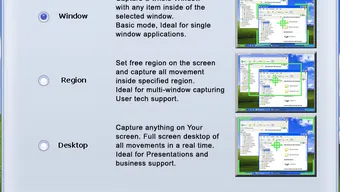
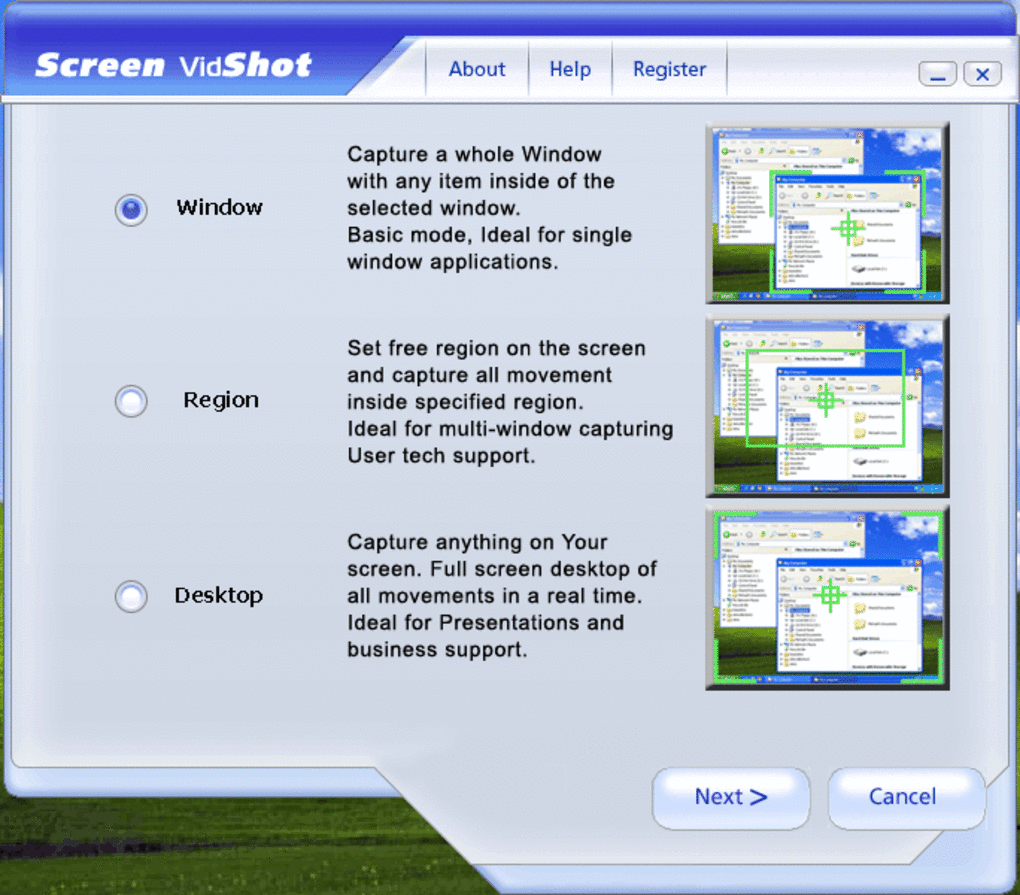
In today’s digital world, the need for high-quality screen recording and screenshot tools has never been greater. Whether you're creating educational content, documenting software workflows, or sharing quick tutorials with colleagues, having a reliable tool is essential. Screen VidShot emerges as a standout option in the crowded space of free screen capture software. Unlike many competitors that overwhelm users with complex interfaces and steep learning curves, Screen VidShot delivers simplicity without sacrificing functionality. The core philosophy behind this tool is accessibility—making screen recording as intuitive as possible for both beginners and power users. What makes Screen VidShot particularly appealing is its versatility. The software supports three primary capture modes: full-screen recording, window-specific capture, and manual selection of a custom area. This flexibility allows users to tailor their recording to the exact needs of the moment. For instance, if you're demonstrating a specific feature in an application, you can focus solely on that window, minimizing distractions. On the other hand, full-screen capture is perfect for recording entire workflows or live presentations. The tool also records mouse movements, cursor clicks, and even audio input—making it ideal for creating dynamic video tutorials that are both informative and engaging. Another major advantage is the lack of cost. Screen VidShot is completely free to download and use, with no hidden fees or watermarks on recorded videos. This makes it an excellent choice for students, educators, freelancers, and small business teams who need professional-grade tools without the financial burden. Despite being free, the software maintains a high standard of performance, delivering smooth, stable recordings even during intensive tasks. With support for popular video formats like AVI, WMV, and ASF, users can easily share or edit their recordings in most video editing platforms. Whether you're on Windows, Mac, Android, or iOS, Screen VidShot ensures consistent performance across devices.Powerful Features That Enhance Your Recording Experience
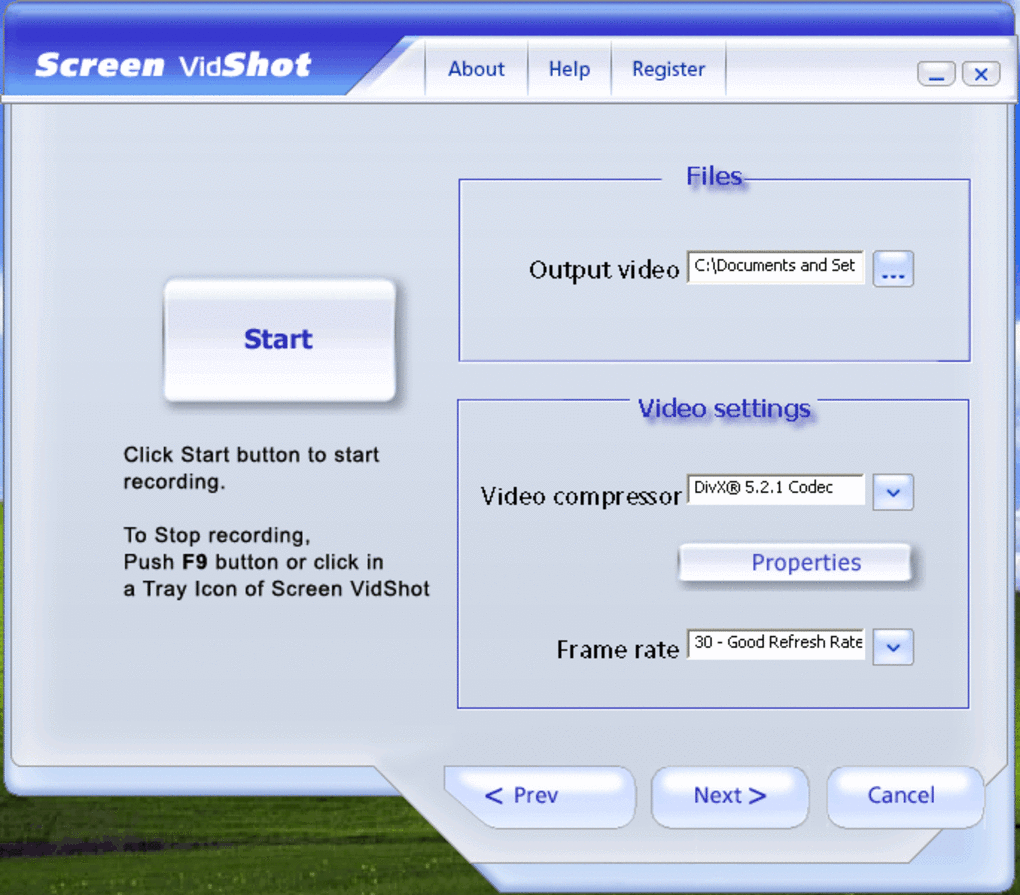
Screen VidShot isn’t just about capturing what’s on your screen—it’s about giving you control over how it’s captured. The software comes packed with a range of customizable features that elevate the recording process from basic to professional. One of the most notable is the ability to choose from multiple video codecs available on your system. This ensures compatibility with various media players and editing software while maintaining optimal file size and quality. Whether you prefer high-resolution output for detailed demonstrations or smaller files for quick sharing, Screen VidShot adapts to your workflow. Frame rate settings are another powerful feature. Users can adjust the number of frames per second (FPS) to match their content. For fast-paced gaming or UI animations, selecting a higher FPS (e.g., 30 or 60) ensures smooth playback. For slower-paced tutorials or presentations, a lower FPS can reduce file size without compromising clarity. Additionally, the tool allows you to set the recording resolution, giving you full control over the output size and visual fidelity. This level of customization is rare in free screen recording tools and sets Screen VidShot apart from the competition. Audio recording is seamlessly integrated, allowing you to capture system audio, microphone input, or both simultaneously. This is especially useful for creating voice-over tutorials or recording live webinars. Mouse movement tracking is also enabled by default, making every click, scroll, and hover visible in the final video—adding a layer of professionalism to your content. For advanced users, Screen VidShot supports macro recording, although this feature is not immediately obvious. While the recording options are buried in menus and lack clear guidance, once unlocked, they offer powerful automation capabilities for repetitive tasks. The software also saves recordings directly to a user-defined folder, ensuring easy access and organization.Easy Installation & Seamless Cross-Platform Usage
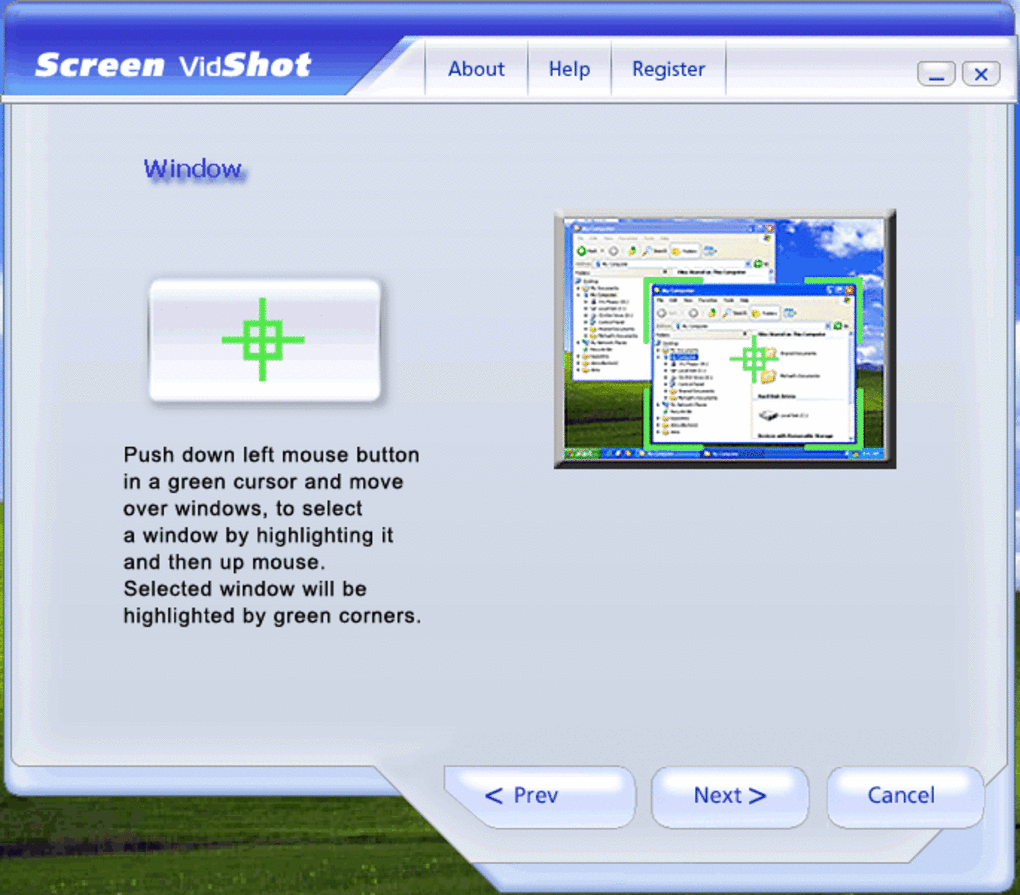
Getting started with Screen VidShot is a breeze, regardless of your operating system. The installation process is straightforward and quick, requiring minimal technical knowledge. On Windows, users simply download the installer from the official website, run it, and follow the on-screen prompts. The setup wizard guides you through the process with clear instructions, and the software integrates smoothly into your desktop environment. No additional drivers or system permissions are required, which enhances the security and stability of your device. For Mac users, the app is available as a downloadable .dmg file that installs with just a few clicks. Once installed, Screen VidShot appears in your Applications folder and can be launched with a single double-click. The interface is clean and responsive, making navigation intuitive even for first-time users. On mobile platforms like Android and iOS, Screen VidShot offers a companion app that syncs with your desktop version, enabling you to start and stop recordings remotely. This cross-platform compatibility is a major plus for users who work across multiple devices. Using Screen VidShot is just as simple as installing it. Launch the app, select your preferred capture mode (full screen, window, or custom), and hit the record button. You can pause or stop the recording at any time, and the software automatically saves the file to your designated folder. The real-time preview feature allows you to monitor your recording as it happens, ensuring everything is captured correctly. With built-in support for AVI, WMV, and ASF formats, your videos are ready for immediate sharing or further editing in tools like Adobe Premiere or DaVinci Resolve. The software also receives regular updates to fix bugs, improve performance, and add new features—ensuring long-term reliability and security.Pros and Cons: Is Screen VidShot Right for You?
- Pros:
- Completely free with no watermarks or hidden costs
- Supports full-screen, window, and custom area capture
- High-quality video output with customizable frame rate and resolution
- Records audio, mouse movements, and cursor clicks
- Compatible with AVI, WMV, and ASF video formats
- Available for Windows, Mac, Android, and iOS
- Lightweight and fast with minimal system resource usage
- Regular updates for improved performance and security
- Cons:
- Macro recording options are hidden and poorly documented
- Lacks an in-app tutorial or guided onboarding
- Interface could be more modern and visually appealing
- Advanced settings are buried in menus, reducing discoverability
- Limited export options compared to premium tools







